Decision SimulationApril 13, 202611 min readNockora Team

What Is Decision Simulation Software? A Practical Guide for Strategy Teams

Decision simulation software gives teams a structured way to test a high-stakes move before it reaches customers, stakeholders, or the market. The strongest products do more than generate an answer: they connect evidence, scenarios, stakeholder coverage, reports, and post-decision review in one workflow.

Category guideScenario planningDecision operations
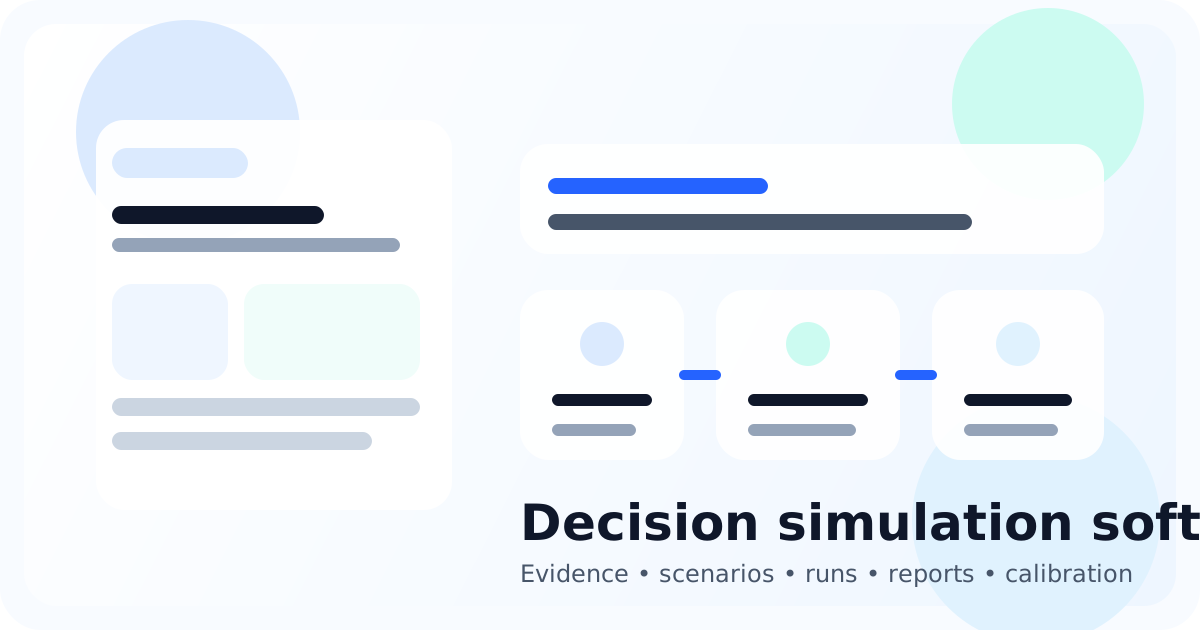
Illustration showing a decision workflow moving from evidence to scenarios, simulation, report, and calibration.

Quick answer

Decision simulation software helps a team pressure-test a move before rollout by combining context, stakeholder coverage, scenarios, and analysis in one repeatable system. In Nockora, that means moving from workflow setup into personas, simulation runs, reports, comparisons, forecasts, and later decision review.

Why this matters

A lot of software claims to help teams make better decisions. That label sounds useful until a real pricing change, launch, or strategy shift lands on the table. At that point the team is not asking for abstract help. It needs a way to frame the move, compare realistic alternatives, and preserve the reasoning behind the final call.

That is where decision simulation software becomes distinct. It does not replace judgment, and it does not promise certainty. Its job is to give a team a more disciplined rehearsal room before a high-stakes move reaches the real world. If a product cannot connect evidence, scenarios, stakeholders, reports, and follow-through, it is probably a thin assistant with strategy language wrapped around it rather than a serious decision system.

TL;DR

  • Decision simulation software is most useful when the team is facing a forward-looking move with real customer, revenue, or execution risk.
  • The category is strongest when it connects evidence, scenarios, personas, simulation runs, reports, and post-decision review instead of stopping at one generated answer.
  • Nockora fits the category because the verified product surface already spans evidence ingestion, environment setup, scenarios, personas, run comparison, reports, forecasts, decision logging, and calibration.
  • If you are evaluating a specific workflow next, continue with pricing analysis or product launch scenario planning.

What decision simulation software actually means

Define the category before evaluating vendors

A useful definition starts with the decision

Decision simulation software is software built to help a team test a proposed move before that move is released to customers, stakeholders, or the market. The emphasis is not on content generation. It is on decision quality under uncertainty. That usually means the workflow starts with source material and constraints, moves into scenarios and stakeholder coverage, then ends with analysis the team can inspect rather than simply accept.

A category definition only matters if it excludes the wrong tools. Dashboards explain what already happened. Meeting notes capture discussion. Generic chat tools can suggest options. None of those, on their own, create a repeatable system for testing alternative paths, comparing likely reactions, and linking the decision to later outcomes. Decision simulation sits between raw information and final execution.

What the category is not

It is not a promise that software can predict the future with certainty. It is not a way to outsource judgment. It is also not a synonym for every analytics or forecasting tool on the market. The category becomes meaningful only when the product is designed for pre-decision rehearsal: define the move, test it against realistic conditions, inspect the result, and keep the decision trail intact afterward.

When teams reach for decision simulation

The category matters when the cost of being wrong is real

High-cost decisions create the clearest use case

Teams rarely need simulation for routine choices. They need it when a move carries enough downside that the first real test should not happen in public. Pricing changes, product launches, policy changes, messaging shifts, and executive tradeoffs all fit that pattern because they can alter customer behavior, internal execution, and commercial outcomes at the same time.

Forward-looking questions break simple reporting

The team often already has historical data. What it lacks is a disciplined way to pressure-test what happens next. Historical dashboards are still valuable, but they do not tell you how a proposed move may land before it is released. That is why simulation becomes relevant precisely when the decision is forward-looking and the team needs to compare more than one path.

  • A pricing or packaging change that could alter conversion, retention, or perceived value.
  • A launch plan that depends on cross-functional timing, messaging, and stakeholder readiness.
  • A policy or narrative change where audience reaction may vary by platform or stakeholder type.
  • An executive decision that needs a record, forecast, and later review rather than a one-time presentation.

What a serious workflow should include

Structure matters more than fluent output

A useful decision system behaves more like an operating workflow than a one-screen assistant. It should reduce ambiguity before it produces recommendations. That is why good category content has to talk about steps and traceability, not just about intelligence or automation.

  1. Load the evidence base so the run starts from source material instead of a blank prompt.
  2. Define the environment and scenarios so the decision context is explicit.
  3. Create or refine stakeholder coverage so the simulated audience is not generic.
  4. Launch the run and inspect how signals change across scenarios.
  5. Generate a report, question the output, and compare alternatives instead of accepting one baseline result.
  6. Carry the chosen path into forecasting, decision logging, and later calibration where those workflows matter.

Nockora already exposes that connected shape on the public and product side. The codebase includes evidence upload flows, environment configuration, scenario management, persona generation and stakeholder packs, simulation runs, report generation, report chat, run comparison, forecasting, decision logging, outcome import, and calibration. That is why the category fits the product more accurately than broader labels such as general AI assistant.

How decision simulation differs from adjacent tools

Surveys, dashboards, and chat tools solve different parts of the problem

Dashboards explain history

Analytics products explain what already happened. They help teams spot trends, review cohorts, and understand the state of the business. That is essential work, but it is not the same as testing a proposed move before it is released. Decision simulation is most relevant when history alone cannot resolve the decision in front of the team.

Generic chat tools compress context

A general-purpose assistant can generate options quickly, but it usually collapses context, stakeholder variation, and decision history into one answer window. The moment a team needs scenario comparison, run review, or a post-decision trail, that model starts to strain. A decision platform has to preserve structure over time, not just produce a credible paragraph on demand.

Surveys and panel research trade speed for direct feedback

Primary research still matters. The difference is pace, repeatability, and operating cost. Simulation does not replace every other input. It gives a team a faster way to rehearse multiple paths, compare likely reactions, and refine the decision before committing more budget or exposing the move publicly.

How to evaluate a platform in this category

Look for traceable workflows, not the loudest positioning

A useful buying process starts with operational questions. You want to know whether the product lets the team move from source material to environment, scenarios, stakeholders, runs, reports, and post-run review without leaving the system. Marketing language tells you very little unless it maps back to an actual workflow.

  • Can the team anchor the work in evidence and a defined environment?
  • Can it create baseline and alternative scenarios instead of one vague future state?
  • Can stakeholders be shaped through personas or packs rather than a single generic audience?
  • Can the team inspect reports, use follow-up chat, and compare runs before deciding?
  • Can later outcomes be connected back to forecasts and decision records so the learning compounds?

Those questions matter more than broad claims about AI. They also create a useful filter for the Nockora site architecture. The About page should explain what the company stands for. The blog should answer questions like this one, where the searcher is trying to understand the category, compare approaches, and decide whether the workflow is serious enough for their use case.

How Nockora fits the category today

Grounded in the verified product surface

Based on the current codebase and public routes, Nockora already supports the core pieces a serious decision simulation workflow needs. The app includes project-level evidence uploads, environment configuration, scenario creation, persona generation, stakeholder pack application, live and completed simulation runs, report generation, report chat, live agent interviews, branching, run comparison, forecasting, a decision ledger, actual outcome import, and calibration.

That matters because many tools talk about strategy without giving the team any place to preserve the reasoning trail. Nockora does not stop at a report. It extends into pricing analysis, launch planning, what-if comparison, and post-decision review workflows. That is the difference between a useful decision surface and a persuasive demo.

Common mistakes buyers make when they evaluate the category

The wrong buying criteria produce the wrong tool

The most common mistake is buying for fluency instead of workflow. A product may sound impressive in a demo because it can produce a persuasive explanation quickly. That does not tell you whether the team can preserve a baseline, compare alternatives, review a report, or revisit the decision months later. Buyers often discover that gap only after the first real project is underway.

Another mistake is treating every decision tool as interchangeable. Spreadsheet forecasting, dashboard analytics, market research, and simulation each solve different parts of the same problem. The buying process gets clearer when the team asks what part of the decision cycle it is trying to strengthen. If the problem is forward-looking comparison before launch, a simulation workflow is usually a stronger fit than a reporting tool or a generic assistant.

  • Do not confuse polished output with inspectable reasoning.
  • Do not evaluate the tool on one broad prompt if the real use case needs scenarios and comparison.
  • Do not ignore what happens after the report if the team needs forecasts, decision tracking, or calibration.
  • Do not let category language replace product-surface verification.

Conclusion: start with one decision, not a grand theory

Category understanding becomes useful when it turns into a workflow

The best way to understand decision simulation software is to use it on one concrete question. Pick a move that matters, define the baseline, shape a small set of alternatives, and decide how the team will review the output afterward. That keeps the workflow practical and prevents the first project from turning into a vague experiment.

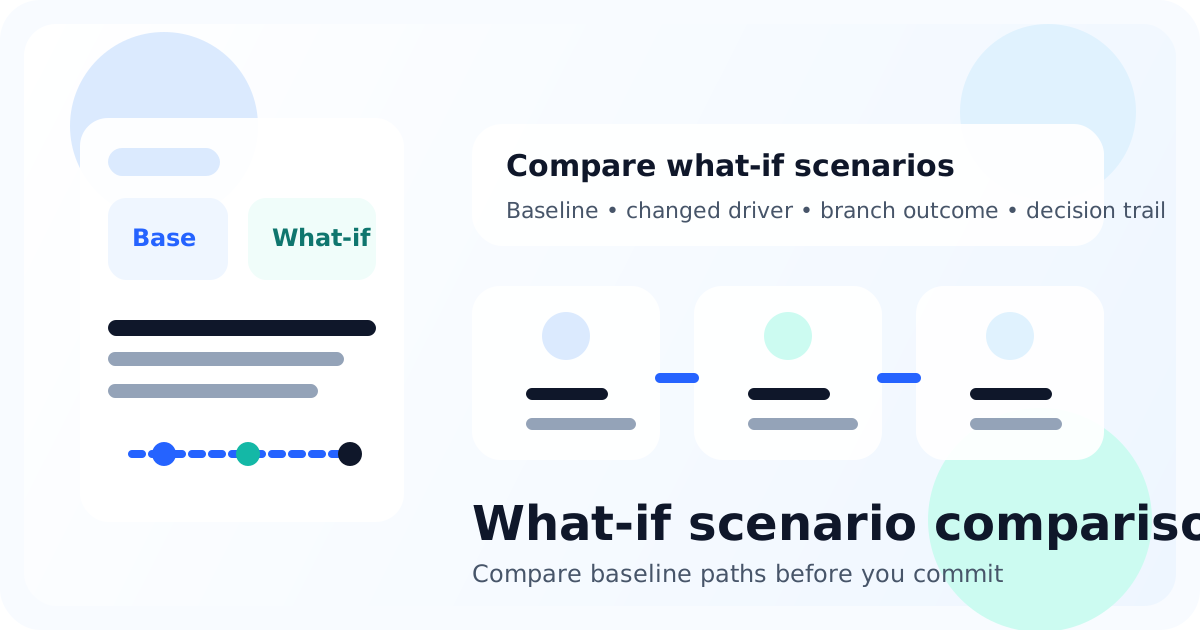
If the next decision in front of your team is a pricing move, continue with How to Test Pricing Changes Before Launch. If the challenge is a release or announcement, go to Product Launch Scenario Planning. If you are already comparing multiple alternatives, the next step is How to Compare What-If Scenarios Before You Commit.

Frequently asked questions

What is decision simulation software in simple terms?

It is software that helps a team test a proposed business move before it goes live by combining context, scenarios, stakeholder coverage, and analysis in one workflow.

How is decision simulation software different from a chatbot?

A chatbot can suggest ideas, but decision simulation software is designed around a repeatable process with evidence, scenarios, runs, reports, comparison, and post-decision follow-through.

What kinds of decisions benefit most from simulation?

Pricing changes, product launches, messaging shifts, policy changes, and strategic tradeoffs are strong candidates because they are forward-looking and carry real downside if the team gets them wrong.

Why does calibration matter in this category?

Calibration lets a team compare predicted outcomes with actual ones later, which turns simulation from a one-time exercise into a learning system.

See the workflow behind the category.

Nockora is built for teams that want a connected path from source material to simulation, report, forecast, and decision review.

Keep going with the next workflow step.

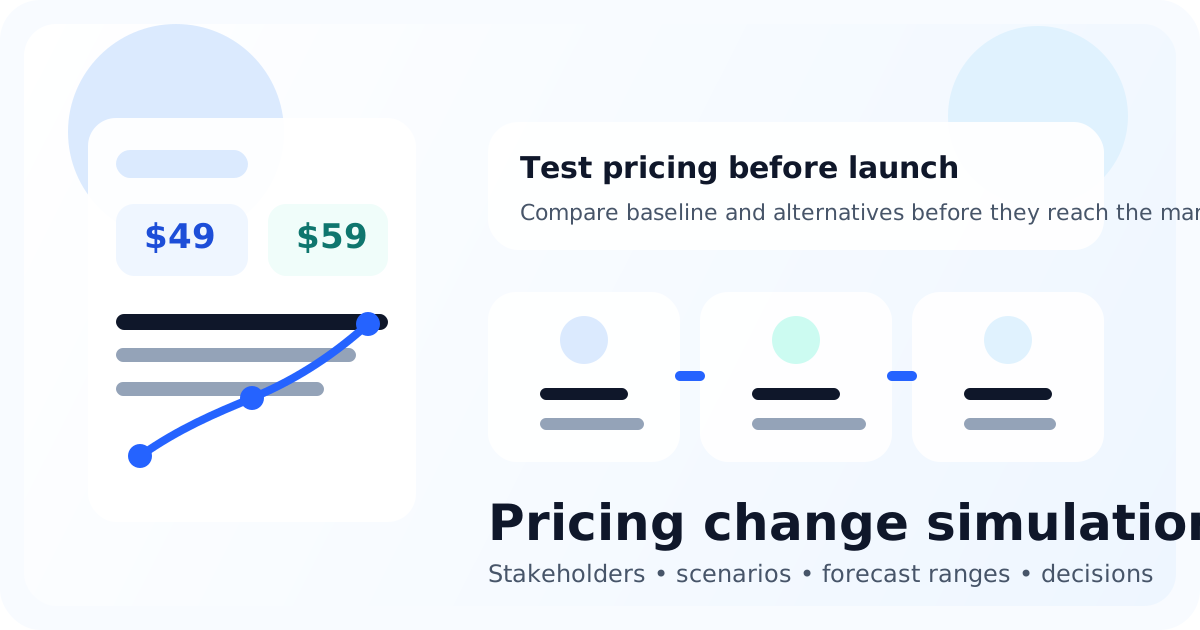
Illustration showing pricing scenarios, stakeholders, forecast ranges, and a decision checkpoint.
Before RolloutProblem-aware / Informational
Pricing StrategyApril 13, 202611 min readNockora Team

How to Test Pricing Changes Before Launch With Decision Simulation

Pricing projects fail when teams treat them like spreadsheet exercises or one-line messaging edits. A stronger approach is to test the move through evidence, scenarios, stakeholder coverage, simulation runs, reporting, and decision follow-through before the new price reaches the market.

Focus: test pricing changes before launch

Pricing analysisScenario planningForecast review
Read guide
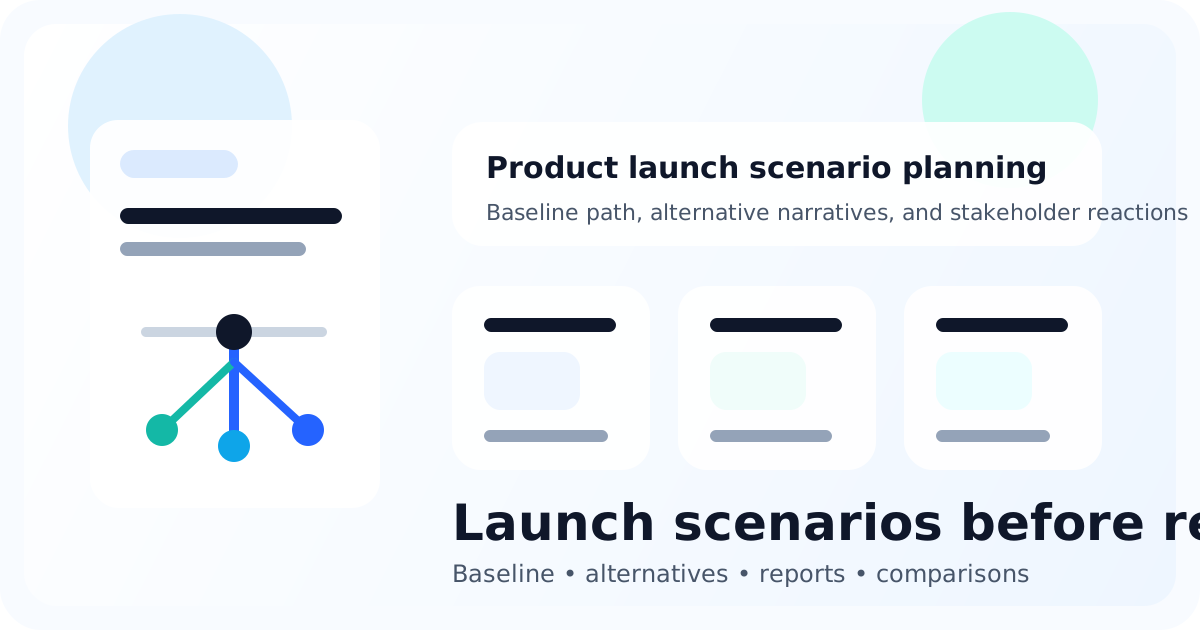
Illustration showing launch planning with scenario cards, release timeline, and stakeholder reactions.
Before RolloutInformational / Problem-aware
Launch PlanningApril 13, 202610 min readNockora Team

Product Launch Scenario Planning: A Practical Framework for High-Stakes Releases

Most launch plans look orderly right up until the market sees them. Scenario planning gives the team a structured way to compare baseline and alternative launch paths, pressure-test reactions, and capture the final decision with more discipline than a checklist alone.

Focus: product launch scenario planning

Launch planningScenario designCross-functional review
Read guide

Article details

Focus keyword
decision simulation software
Search intent
Solution-aware / Informational
Secondary keywords
business decision simulation, decision simulation platform, what is decision simulation software
Published
April 13, 2026
Updated
April 13, 2026
Reading time
11 min read
Verified scope
Evidence, scenarios, personas, runs, reports, forecast, decisions, and calibration.